

1. Poland
Meng Shen Surix
Address : UL Warszwska 40/2A.40-008
Katowice,Poland
Zip Code:40-008
Tel:+48 327 000 573
E-Mai: info@vgate.pl
2. Germany
SL Elements GmbH
Address: Street: Busbach 37
Eckersdorf, Bavaria,95488
Country: Germany
Ust-ID: DE341813087
Registergericht Bayreuth: HRB7388
Contact: Tim
Email: info@sl-elements.com
Web: www.sl-elements.com
Tel.: +4915112446457
3. Malaysia
Company Name : BKT Marketing
Person in Charge : Thai Boon Kong
E-Mail: bkthai20@gmail.com
Tel: +60162747101
4. United Kingdom
Company Name : BMDiag
Address : North Down Diagnostics.Gatelodge Cottage.29 Killyleagh Road.Newtownards. United Kingdom.
Person in Charge : Robert
E-Mail : bmdiag@scantool-direct.co.uk
Web: www.prestigediagnostics.uk
Tel: 02891310741
5. China
Company name : ShenZhen Kingbolen Electrics Technology Co.,Ltd.
Address : B1022.Yousong Science And Technology Building,Donghuan
1st Road.Longhua.ShenZhen.
Whats App: + 8615007558012
E-Mail: sales@kingbolen.com
6. China
Company name : ShenZhen Boyna Technology Co.,Ltd.
Address : Workshop 401.No.1 , Huifu Industrial Zone.No.3,Pingji Avenue,
Xialilang Community.Nanwan Street , LongGang.ShenZhen
Tel:+ 86 0755 2839 0060
E-Mail: sales05@iboyna.com
7. Russia
Moscow, Volokolamskoe
Address : Highway 89k1s2, 2nd floor, office 220.
(Driving directions)
Viber / Whats App: + 7-985-356-70-56
E-Mail: mail@obdmag.ru
Skype: skype@obdmag.ru
Tel: + 7-985-356-70-56
8.Turkey
Company Name: SSGARAJ Araç Arıza Tespit Sistemleri
Address: Burdur Center
Tel & WhatsApp: +90 535 866 88 15
vLinker FS USB----Update the previous USB HUB solution:
1. Some USB 3.0 ports may have compatibility issues and cannot recognize the vLinker FS USB 2.0 ports.
Confirmed affected phone models: POCO F6; Redmi F5
Confirmed affected computer models: MSI V5200J; MSI V4200E; ASUS R465J; MSI Cyborg 15 A12VF-096
2. Use a USB HUB as a bridge to solve this problem.
Recommended USB HUB models:https://www.amazon.com/UGREEN-Splitter-Ultra-Slim-Expander-Compatible/dp/B0CD1BHXPZ?th=1
UGREEN USB 3.0 Hub or UGREEN USB Type-C Hub:https://www.amazon.com/UGREEN-Delivery-Multiport-Adapter-Thinkpad/dp/B0BR3M8XHK
3. If you do not agree to use a USB HUB,we can offer a trade-in service.
vLinker FS USB data cable v2 version solves some USB 3.0 compatibility issues for computers and mobile phones.
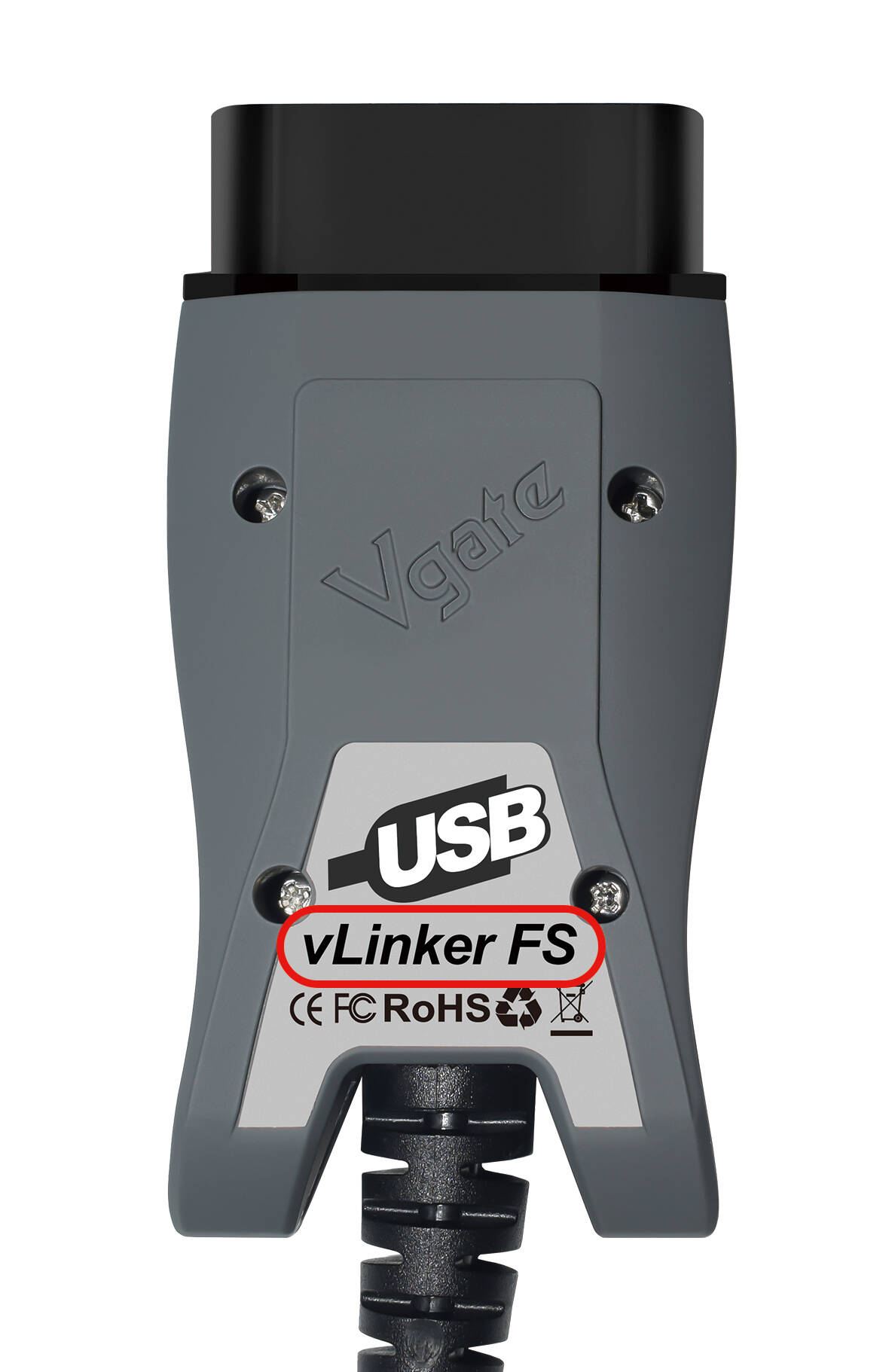
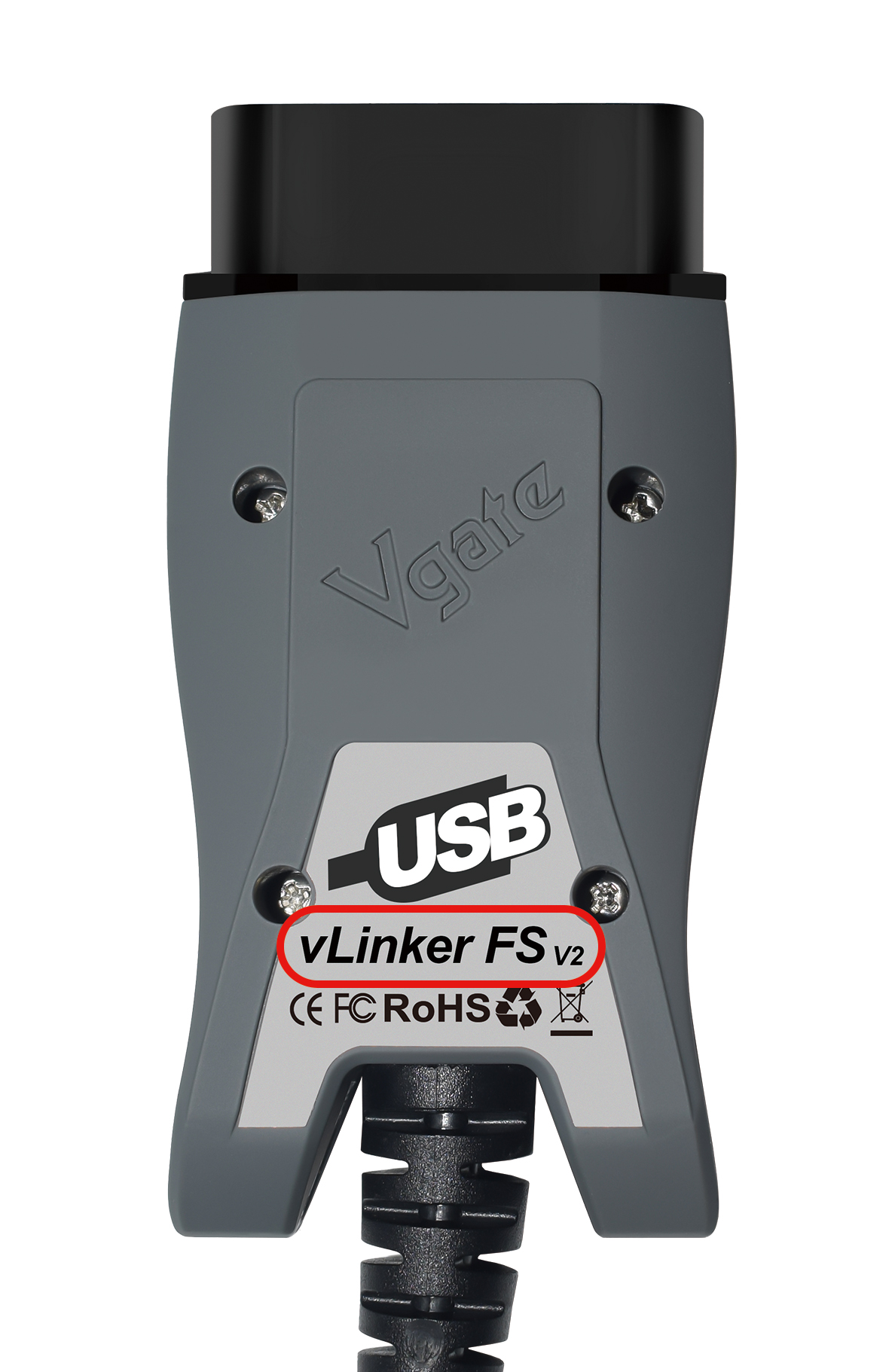
V1 V2
Contact information:(Email: support@vgate.com.cn )
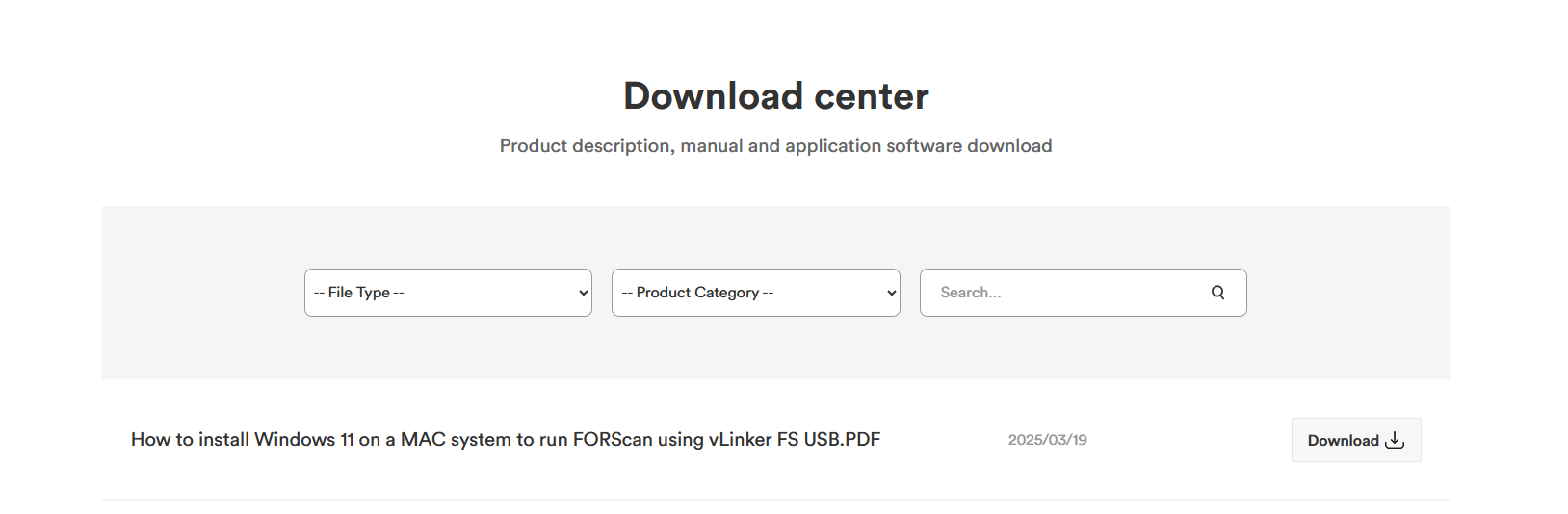
"Please click the link to access the installation guide."
https://vgatemall.com/downloadcenter/?page=3
Google Pixel5 使用forscan连接vlinker FD
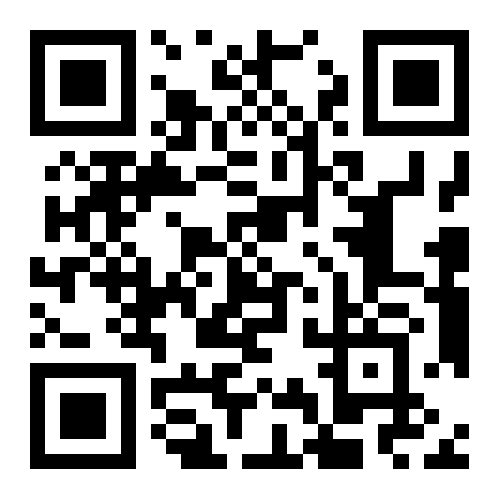
vLinker MC Serise QR Code Update
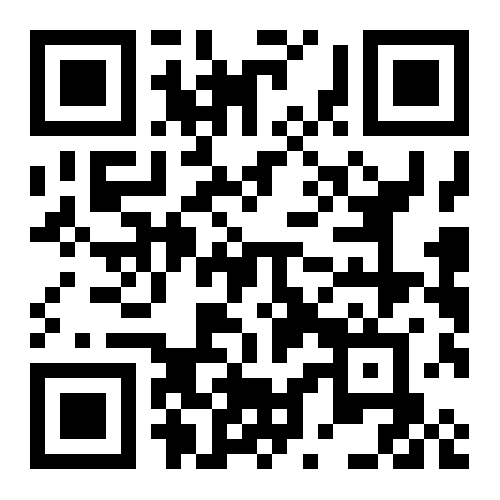
1. Scan the QR code below with your phone's browser and download the 'VgateFwUpdater' app
2. Open Settings - Bluetooth - Connect 'vLinker MC-Android' (iOS is not required), if it is WiFi connect WiFi can be (vLinker MC+/MC/MC WiFi can use the same way to upgrade, just connect Bluetooth name or WiFi is different)
3. Open the 'VgateFwUpdater' application, click 'SCAN' to continue scanning the same QR code in the first step
4. Select Bluetooth or WiFi, according to their own device selection
5. Click 'DOWNLOAD' and wait for it to upgrade successfully, don't unplug the adapter in the middle
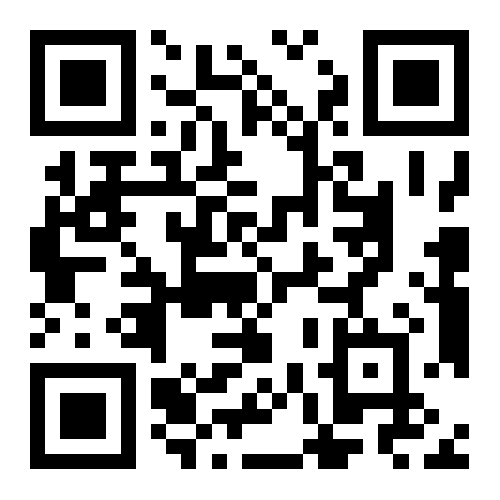
vLinker BM Serise QR Code Update
1. Scan the QR code below with your phone's browser and download the 'VgateFwUpdater' app
2. Open Settings - Bluetooth - Connect 'vLinker BM-Android' (iOS is not required), if it is WiFi connect WiFi can be (vLinker BM+/BM/BM WiFi can all be upgraded using the same way, just connect to Bluetooth name or WiFi is different)
3. Open the 'VgateFwUpdater' application, click 'SCAN' to continue scanning the same QR code in the first step
4. Select Bluetooth or WiFi, according to their own device selection
5. Click 'DOWNLOAD' and wait for it to upgrade successfully, don't unplug the adapter in the middle
vLinker FD Serise QR Code Update
1. Scan the QR code below with your phone's browser and download the 'VgateFwUpdater' app
2. Open Settings - Bluetooth - Connect 'vLinker FD-Android' (iOS is not required), if it is WiFi connect WiFi can be (vLinker FD+/FD/FD WiFi can use the same way to upgrade, just connect Bluetooth name or WiFi is different)
3. Open the 'VgateFwUpdater' application, click 'SCAN' to continue scanning the same QR code in the first step
4. Select Bluetooth or WiFi, according to their own device selection
5. Click 'DOWNLOAD' and wait for it to upgrade successfully, don't unplug the adapter in the middle